Why Gemfury?
Push, build, and install
RubyGems
npm packages
Python packages
Maven artifacts
PHP packages
Go Modules
Debian packages
RPM packages
NuGet packages
 marcdupain
marcdupain / code deb
Repository URL to install this package:
|
Version:
1.76.2-1678817801 ▾
|
| .. |
| out |
| resources |
| README.md |
| ThirdPartyNotices.txt |
| ci.yml |
| package.json |
| tsconfig.browser.json |
| webpack.cpu-client.js |
| webpack.extension.js |
| webpack.heap-client.js |
vscode-js-profile-table
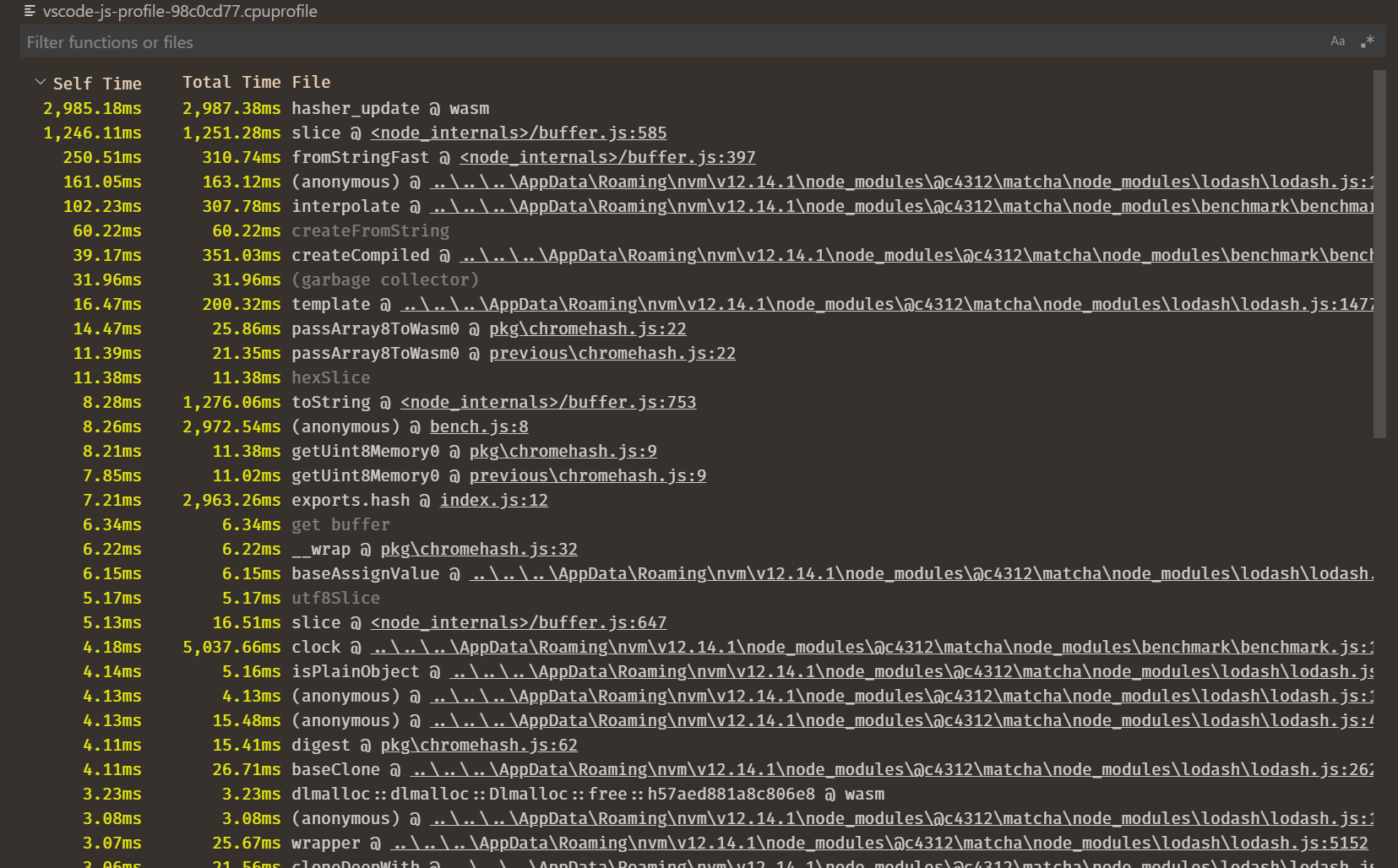
This is a custom editor that provides tablular information from for V8-style .cpuprofile files. Usage:
- Install this extension,
- Open a
.cpuprofilefile in VS Code, - If you already have another editor, such as the default table view, hit
F1and thenReopen Withthis extension.